
Boost Your Clients’ Support Efficiency with Our Tools
Manage all conversations and users in a shared area, and forget everything else. From here on out, it’s just you and the customer – happily connected by Support Board. Ready to get started?
Knowledge Base Articles
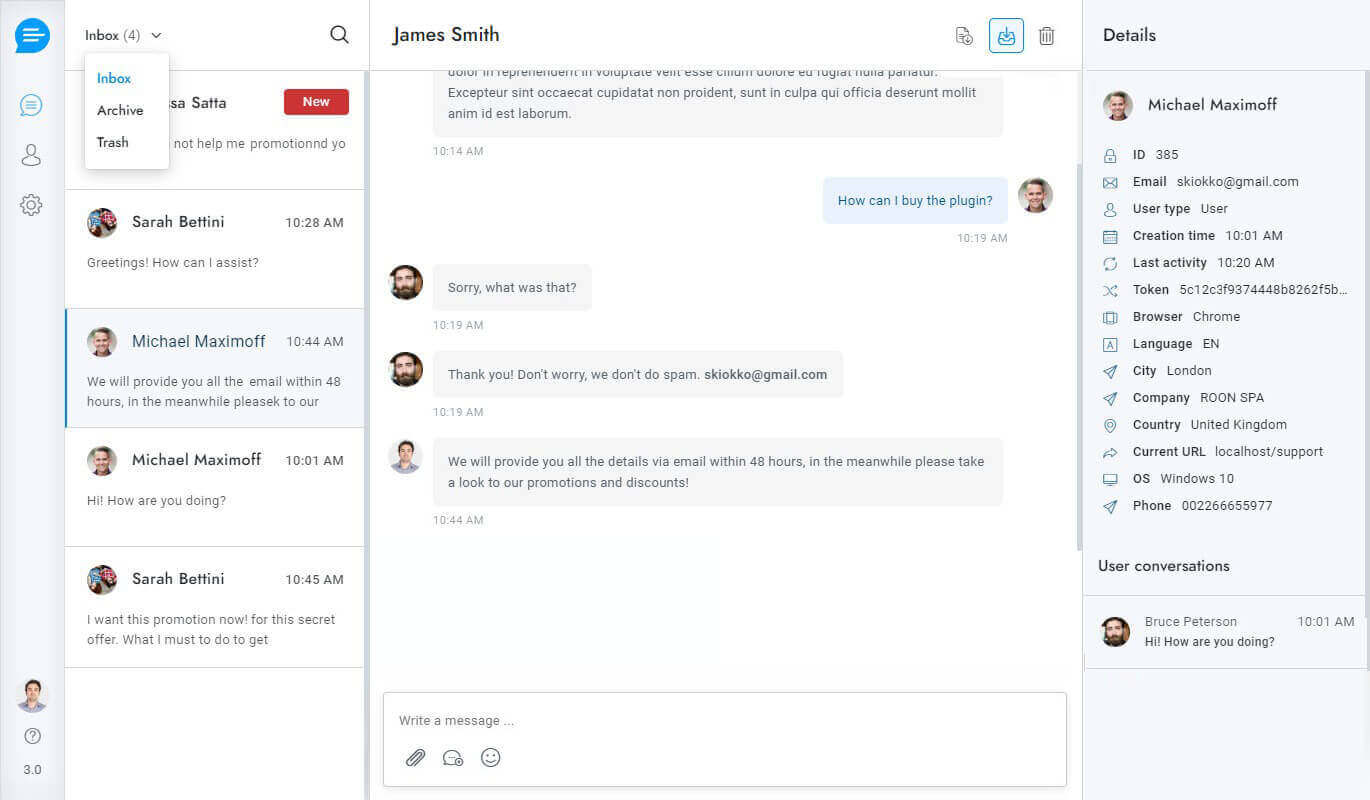
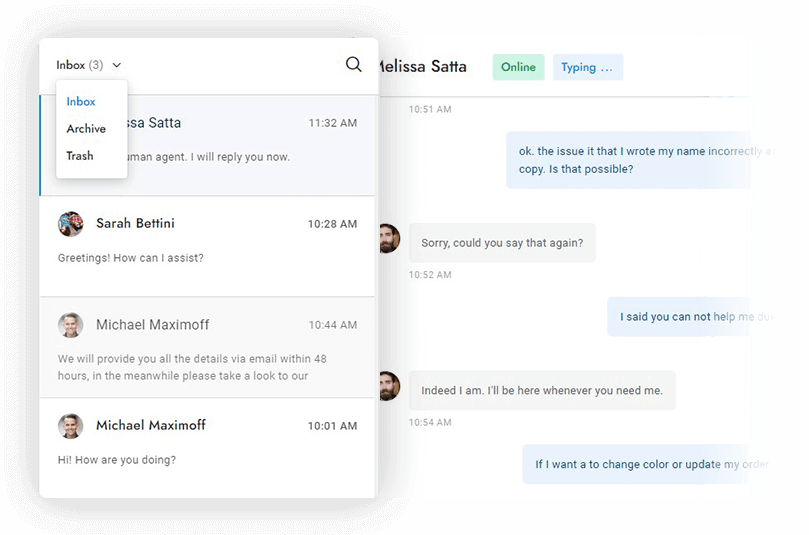
Provide faster help for customers and fewer questions for your agents with the integrated multilingual knowledge base. Create a help center area accessible from a dedicated page or within the chat in a few minutes.
- Dedicated articles page
- Search articles widget
- Categories
- Multilingual
Message Editor
Create the perfect message by using 3000+ emojis and use markdown syntax to format the text. Surprise your users with voice messages, and attach media and files in just one click.
- Text formatting and markups
- 3000+ emojis
- Attachments
- Voice messages

Saved Replies
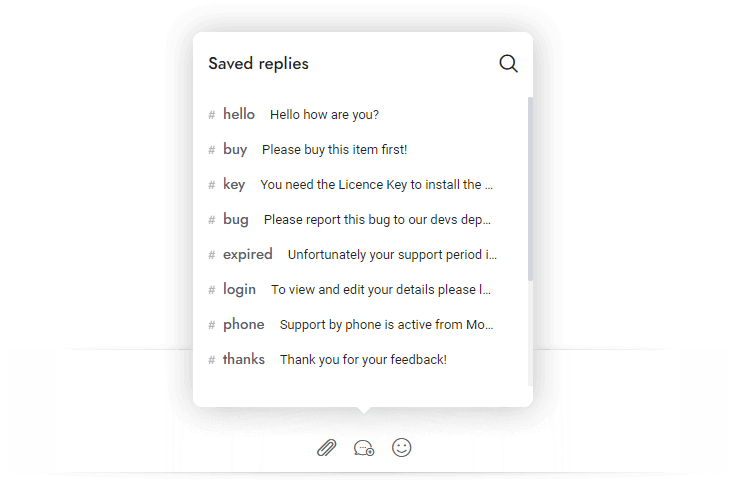
Save valuable time with saved replies, no more typing the same messages repeatedly. Connect them to the chatbot to automatically generate responses and ask questions on the fly.
- Insert by keyboard shortcut
- Save and reuse messages
- Connect to the chatbot to auto-generate responses
Departments
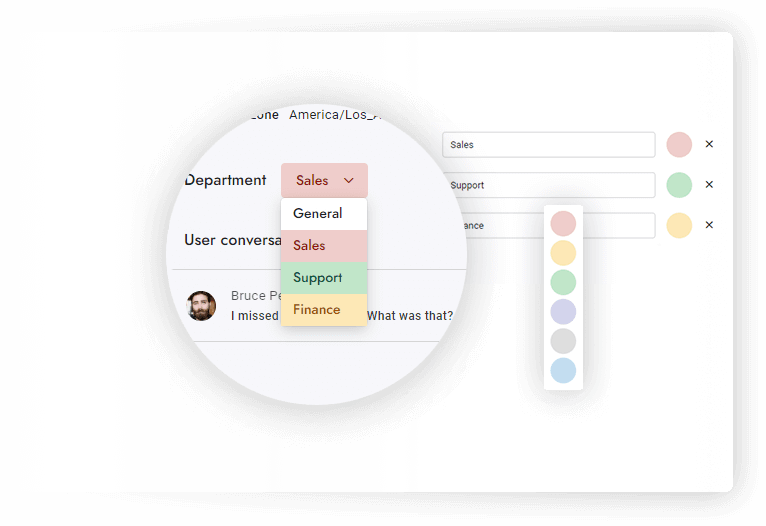
Organize conversations and assign departments to agents. Transfer rules so that your conversations will always land in the right hands. Route conversations and send department – specific email notifications.
- Department email notifications
- Update conversations department
- Restrict access to conversations

Real-time Queue
Notifies visitors of their position in the queue and waiting time in real-time. Automatically distribute the conversations among all available agents and set concurrent chats limit.
- Waiting time and queue position
- Set max concurrent chats limit
- Updates in real-time
Routing and Agent Assignment
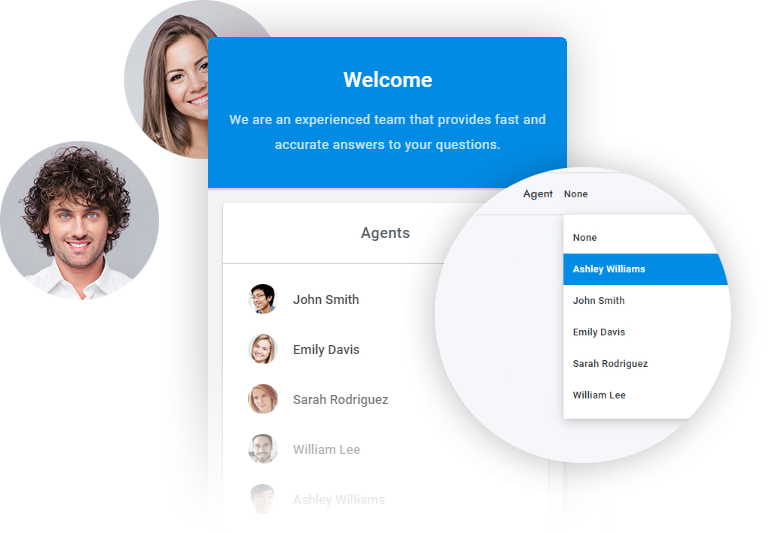
Assign conversations to available agents in a proportional manner or let your users select their preferred agent. Maximize efficiency and satisfaction with our advanced routing solutions.
- Auto-route chats to agents fairly
- Let your users select their preferred agent
Omni-Channel Experience
Send and reply to WhatsApp messages, Facebook messages, Telegram messages, text messages, emails, tickets, and chat messages in Zotly livechat. Save time with communication that happens in one place.
- Messenger
- Telegram
- Text Messages
- Emails
Translations in Real-Time
Effortlessly communicate with customers in their preferred language. Our system automatically translates messages between the user and agent or chatbot, ensuring smooth and efficient communication.
- Two-way translations
- Translations in real-time
- Multilingual chatbot
- Powered by Google Translate

Smart Reply
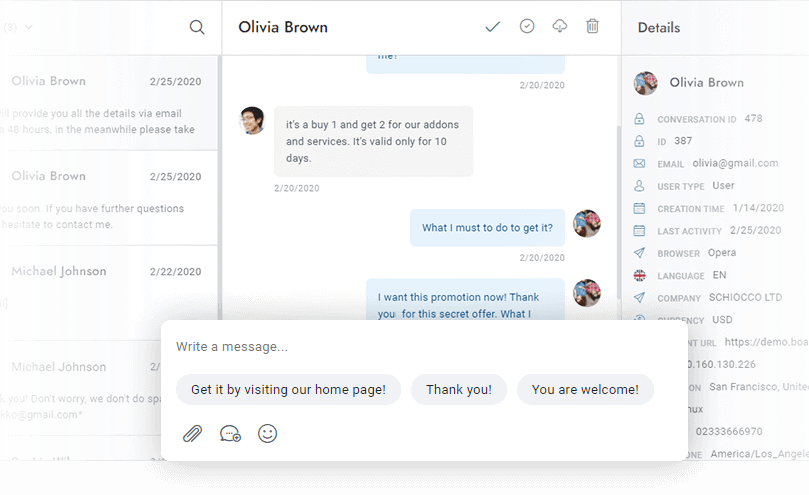
Smart Reply saves agents time by suggesting quick responses to agent messages in real-time using artificial intelligence. Get suggested answers in the user’s language from both OpenAI and Dialogflow.
- OpenAI and Dialogflow suggestions
- Multilingual suggestions
Message Rewriting
Rewrite and improve your messages instantly with our one-click rewriting feature powered by OpenAI! Effortlessly send friendly and professional messages with ease!
- Revitalize your messages with a friendly and professional touch
- Powered by OpenAI
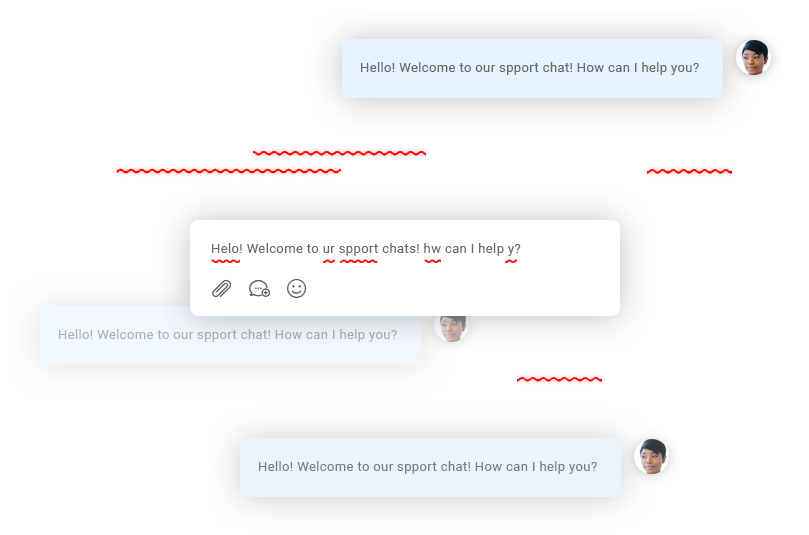
Spelling Correction
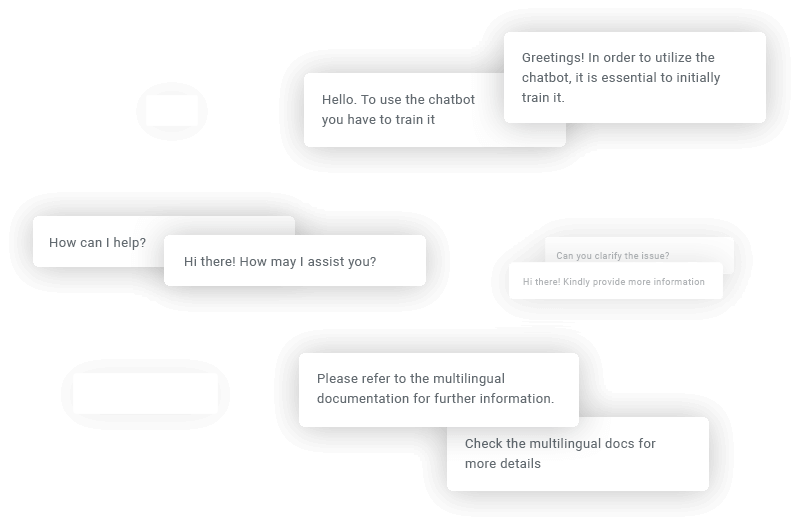
Automatically fix any spelling mistakes in agent messages in real time, effortlessly, in any language. Say goodbye to spelling mistakes, forever! This feature is powered by OpenAI.
- Fix any spelling mistakes
- Multilingual spelling correction
Smart Private Notes
Add private notes to conversations and let OpenAI automatically summarize them for you. Extract data like URLs and contact details and much more. Notes remain visible to admins only.
- Automatically extract data such as URLs and private details
- Automatically generate conversation summaries using AI

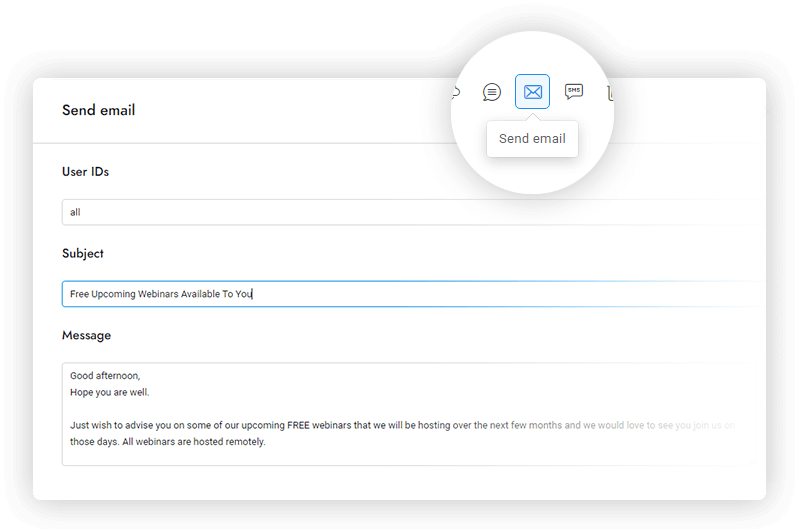
Multi-User Direct Messaging
Send direct chat messages, emails, and text messages to users in real-time. Use custom merge fields to personalize every message and automatically send notifications.
- Support for emails, SMS and text messages
- Send messages to several users
Multi-User Direct Messaging
Send direct chat messages, emails, and text messages to users in real-time. Use custom merge fields to personalize every message and automatically send notifications.
- Support for emails, SMS and text messages
- Send messages to several users
Notifications
Don’t lose visitors. Actively engage them instead with a complete set of notifications.
Alert users and agents via email each time a new message comes in.
Push Notifications
Alert users and agents via Push Notifications for each new message.
Desktop Notifications
Alert users and agents via desktop notifications for each new message.
SMS Notifications
Alert users and agents via text message each time a new message comes in.
Flash Notifications
Update the browser tab title each time a new message is received.
Sounds
Play a sound on receipt of every new message.
Red Counter
Display a red circle with the current number of unread messages.
Agents and admins
All notification types are available also in the admin area.
More are coming
More notification types are coming in future versions. Stay tuned!